Support
HUNGER Cheats Troubleshooting: Loader, Menu, and Overlay
Nov 13, 2026 · Updated Nov 24, 2026 · 4 min read
Fix common HUNGER cheats problems on PC: a loader waiting for the game, a dead menu key after a patch, and an overlay that will not stay readable.
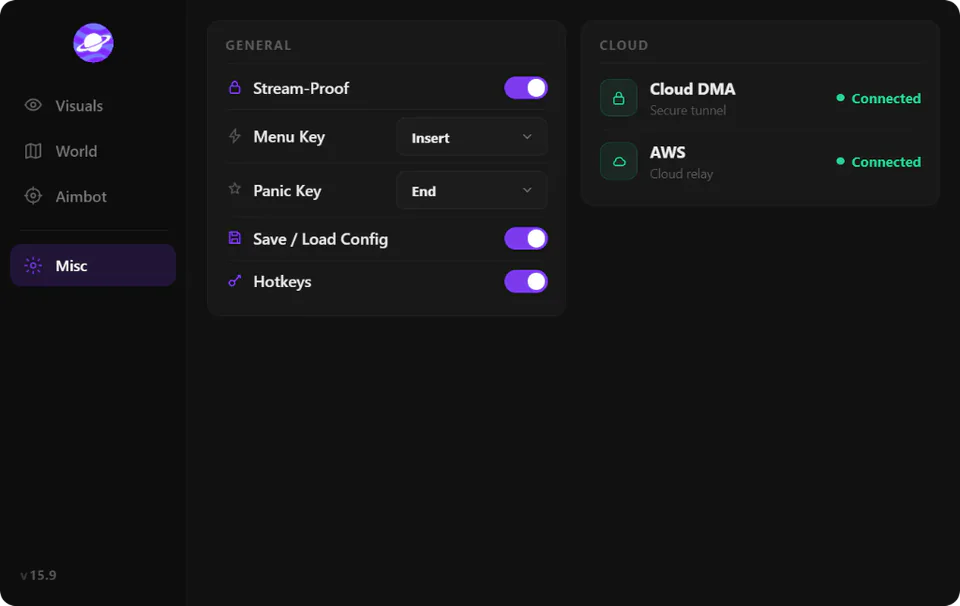
Most HUNGER cheats problems are one of five things: status, launch order, Windows, a stale loader, or an overlay you never tested.
Status and the menu key
If the banner is offline, updating, or testing, stop. A game patch can kill the menu bind while an old loader still looks installed. Wait for an online note, then download the portal build. The setup guide is the order of operations after that.
Switch HUNGER to borderless windowed. Close other overlays and RGB tools that hook the same window. Run the loader as administrator if the portal note says to. Start it after the main menu, not on the splash. Reboot once if you just added a Defender exclusion, then try again before you reinstall Windows.
Presets that no longer match
Confirm you are pressing the bind in the current build, not a bind from a preset saved before the patch. Load the conservative preset from the config guide. If the menu opens and the visuals are a mess, that is range and color, covered in the ESP guide, not a broken loader.
What to put in a ticket
Order email, Windows 10 or 11, how you launch HUNGER, and the exact loader text. A screenshot helps if you redact the key. Discord is for a live walkthrough. Email is for a record. The support page lists both. Never paste a license into a public thread.
If the product is Cloud DMA and Hyper-V will not enable, that is a Windows edition and firmware question, not an aimbot slider. Read the Cloud DMA guide before you reinstall the suite.
Questions about this guide
- The loader says it is waiting for the game. What now?
- Use borderless windowed, start the loader after the main menu, and close other overlays. If status is offline, wait for the portal build.
- Should I download a second loader from chat?
- No. Only the operator portal after checkout is a listed download path.
Keep reading
Utilities
Cloud DMA Software: The Single-PC Layer, Explained
What Cloud DMA software is on this site: a single-PC Hyper-V layer for HUNGER, not a second tower, with required extras sold separately.
Nov 23, 2026 4 min read
Read Cloud DMA guide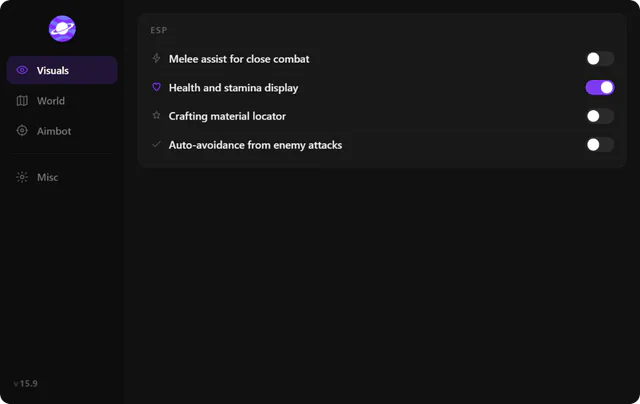
Buyer's Guide
HUNGER Cheat Buying Checklist: Modules, Status, and Delivery
A practical checklist for comparing HUNGER cheat listings: verify the module list, live status, portal delivery, and any separately required utilities.
Nov 22, 2026 4 min read
Read buyer guide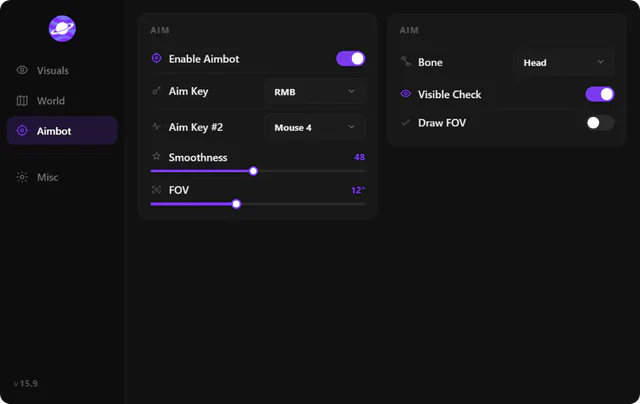
Settings
HUNGER Aimbot Settings: FOV, Smoothing, and Bones
How to tune HUNGER aimbot settings on PC: FOV, smoothing, bone selection, visibility checks, and a distance cap before a hard snap.
Nov 21, 2026 4 min read
Read settings guide