Gameplay
HUNGER Combat and Expeditions: Split Your Configs
Nov 12, 2026 · Updated Nov 24, 2026 · 4 min read
How HUNGER expeditions, PvP, and PvE change which cheat config you load: tighter aim in fights, longer radar while you scavenge.
HUNGER sends you out of the Chateau on expeditions. You fight other players and hostile creatures, use ranged and melee weapons, scavenge, craft and gather through professions, and try to extract. Persistent character progress sits behind that loop. One overlay for all of it gets in the way.
Fight preset
Contested ground wants a tight aimbot FOV, visibility checks, team filters if you are in a duo or trio, and a short ESP distance. Skeleton and snaplines are optional. They help orientation and they also hide the swing or the shot you needed to see. The sliders are in the aimbot guide.
Scavenge preset
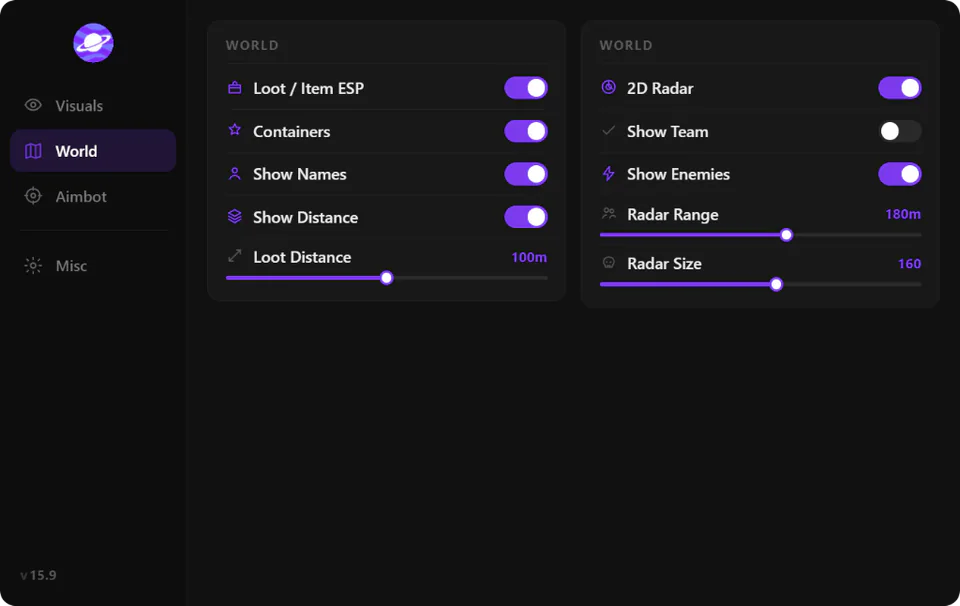
Item ESP and object ESP are for the weapons, resources, containers, and interactive objects the merchant lists. A longer radar range helps on the route. It does not help inside a doorway. Load this file when you are gathering, not when you have already decided to fight.
Both files live on Complete. You do not buy a second suite to switch. The preset guide is the save and load detail.
What this does not change
Risk does not drop because the expedition felt quiet. Read account risk before you treat a scavenge run as harmless. The tools do not add quests, professions, or a marketplace. Those are part of the game. The tools only list the aim, visual, radar, and misc modules on the product page.
Questions about this guide
- Does one HUNGER config fit every expedition?
- Not well. A fight preset and a scavenge preset use the same Complete key with different FOV and ESP distance.
- Is this page the official HUNGER guide?
- No. HUNGER is developed by GOOD FUN CORPORATION. This is an independent note about listed PC tools, not an official manual.
Keep reading

Utilities
Cloud DMA Software: The Single-PC Layer, Explained
What Cloud DMA software is on this site: a single-PC Hyper-V layer for HUNGER, not a second tower, with required extras sold separately.
Nov 23, 2026 4 min read
Read Cloud DMA guide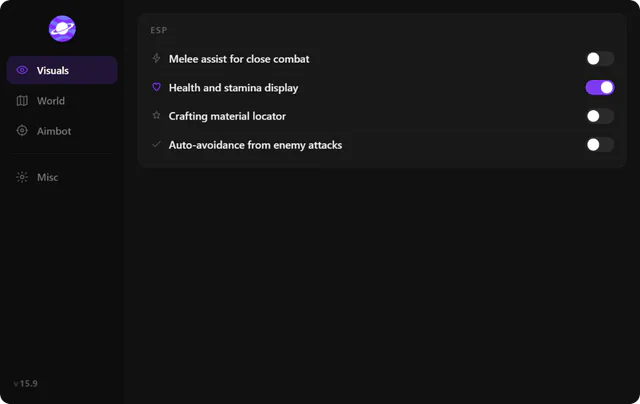
Buyer's Guide
HUNGER Cheat Buying Checklist: Modules, Status, and Delivery
A practical checklist for comparing HUNGER cheat listings: verify the module list, live status, portal delivery, and any separately required utilities.
Nov 22, 2026 4 min read
Read buyer guide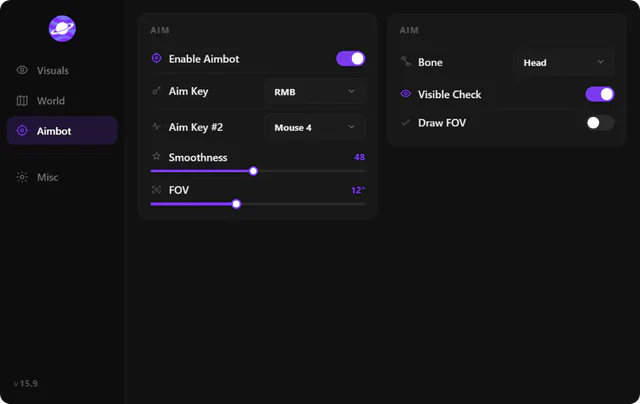
Settings
HUNGER Aimbot Settings: FOV, Smoothing, and Bones
How to tune HUNGER aimbot settings on PC: FOV, smoothing, bone selection, visibility checks, and a distance cap before a hard snap.
Nov 21, 2026 4 min read
Read settings guide